Material Approval Register: Track Approved, Pending and Rejected Materials
Construction projects can involve dozens or hundreds of materials moving through approval at the same time.
Some are not yet submitted. Some are under consultant review. Some are approved with comments. Others need revision, while a few may already be approved and ready for procurement.
If those decisions are tracked only inside emails or submittal documents, procurement teams can easily lose sight of one critical question:
Procurement rule: record exactly what material was approved and separate technical approval from procurement release. “Approved” alone is not enough to authorize a PO or production.
Can this material actually be purchased or released for production now?
A material approval register provides that answer.
It should show the current approval status of each material, the exact approved supplier or model, the supporting approval reference, and whether procurement is allowed to proceed.
A useful register should make it easy to identify:
- materials not yet submitted;
- materials still under review;
- approved materials;
- rejected or resubmission items;
- the exact approved revision;
- materials released for procurement;
- the next action for every unresolved item.
What Should One Row in a Material Approval Register Represent?
A practical structure is:
One row = one material or product approval item
Examples include:
- Shower Enclosure System
- Wall Tile WT-01
- Basin Model B-03
- Door Hardware Set DH-04
- Waterproofing Membrane
- Lighting Fixture L-12
Do not create one row for every technical document.
A single material approval may involve several supporting documents:
- technical data sheet;
- shop drawing;
- test report;
- certificate;
- sample record.
Those documents belong in the submittal record.
The material approval register should show the overall approval position of the actual product.
Start With a Unique Material Reference
Every approval item should have a stable reference.
Possible formats include:
MAT-018
or:
BATH-SHOWER-01
Useful reference fields may include:
- Material ID
- Procurement Package
- Specification Section
- BOQ Item
- Drawing Reference
- Material Category
- Project Area or Zone
The exact numbering system is less important than consistency.
The objective is to make the material easy to trace back to the project documents that define it.
A material approval record should connect clearly to the BOQ, specification, drawings, and procurement package.
Step 1: Record the Material and Supplier Information
Each register entry should identify exactly what is being proposed.
Useful fields include:
- Material / Product Name
- Supplier
- Manufacturer
- Brand
- Model
- Country of Origin
- Specification Reference
- BOQ Reference
- Drawing Reference
Avoid vague approval records such as:
Tile — Approved
If several suppliers, brands, or models have been considered, that wording may create purchasing risk.
A stronger record would be:
Wall Tile WT-01 — Brand X — Model ABC123 — Supplier B
Now procurement knows which product the approval actually applies to.
Step 2: Link the Material to Its Submittal Record
The approval register should not duplicate every document detail.
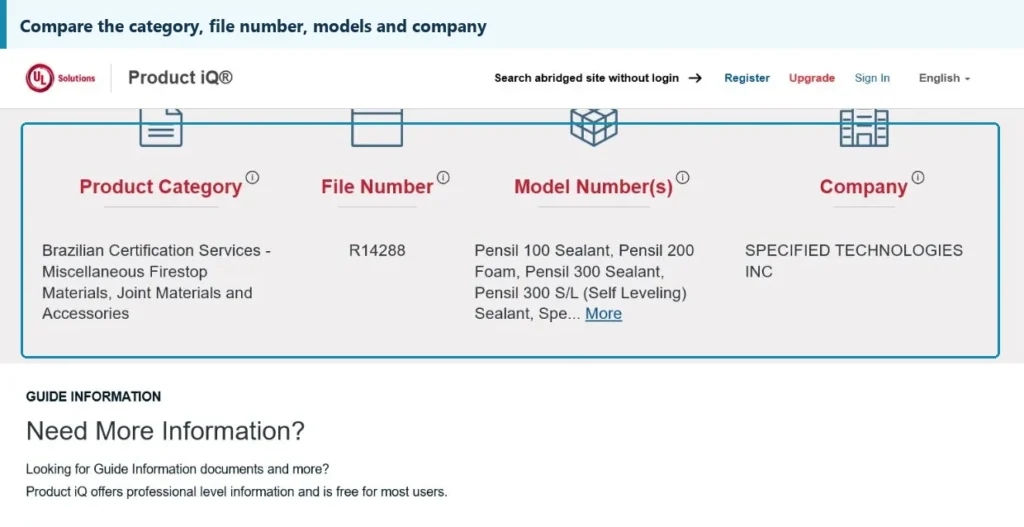
Each formal issue should also remain traceable to the relevant Document Transmittal so procurement can identify exactly which revision and supporting evidence were sent for review.
Use the Construction Material Submittal Process and the specific Material Approval Request (MAR) as the detailed technical source behind each material approval entry.
Instead, link the material to the relevant submittal.
Useful fields include:
- Submittal Number
- Submittal Revision
- Transmittal Number
- Submission Date
- Latest Review Date
For example:
Material: Shower Enclosure System Submittal: MS-018 Rev.03 Transmittal: TRN-031
This creates a traceable relationship:
Material Approval Register
↓
Submittal Record
↓
Technical Documents
If someone later needs to review the actual shop drawing, test report, or consultant comments, they can move from the register to the supporting record.
Step 3: Use Standard Material Approval Statuses
Free-text approval statuses quickly create confusion.
One person writes:
Pending
Another writes:
Waiting Consultant
Another writes:
Under Review
Standardize the status options.
A practical framework is:
Not Submitted
The material has been identified but the approval package has not been formally submitted.
Submitted
The approval package has been issued.
Under Review
The consultant, client, engineer, or other approving party is reviewing it.
Approved
The material has been accepted.
Approved with Comments
The material is accepted subject to comments or conditions.
Revise and Resubmit
The submission must be revised and submitted again before final approval.
Rejected
The proposed material has not been accepted.
Superseded
The previous approval has been replaced by a newer revision, supplier, model, or product.
Avoid uncontrolled entries such as:
- Done
- OK
- Maybe approved
- Almost approved
- Waiting
A standardized register can be filtered, reviewed, and reported much more reliably.
Step 4: Record the Approval Reference
An approval status should be supported by evidence.
Useful fields include:
- Approval Date
- Approved By
- Consultant Response Reference
- Comment Sheet Reference
- Returned Submittal Revision
- Approval Code
For example:
Status: Approved Approval Date: Aug 14 Reference: Consultant Response CR-045 Approved Revision: MS-018 Rev.03
This matters when someone later asks:
“Who approved this product, and based on which submission?”
The register should provide a clear answer.
Step 5: Record the Exact Approved Revision, Brand and Model
This is one of the most important controls for procurement.
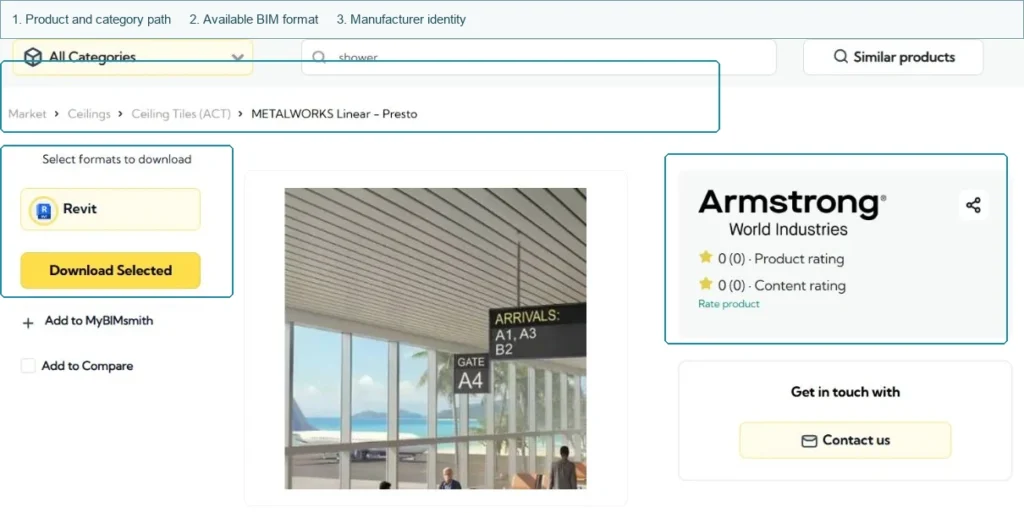
Do not stop at:
Shower enclosure — Approved
Record the actual configuration that received approval.
Depending on the product, this may include:
- Approved Manufacturer
- Approved Supplier
- Approved Brand
- Approved Model
- Approved Material Grade
- Approved Finish
- Approved Drawing Revision
- Approved Sample Reference
For example:
Supplier A / Model SD-120 / 8 mm tempered glass / matte black finish / Shop Drawing Rev.03
This is far more useful to procurement than a simple status.
Procurement should buy the approved configuration, not merely the same product category.
Step 6: Separate Approval Status From Procurement Release
This is a critical distinction.
Add a separate field:
Released for Procurement: Yes / No
Why?
Because:
Technically approved does not always mean immediately ready to order.
A material may still be waiting for:
- final budget approval;
- commercial approval;
- final quantity;
- coordinated drawing;
- client condition;
- mock-up confirmation;
- value-engineering decision.
Therefore the register should answer two separate questions.
Technical Approval
Has the product been accepted technically?
Procurement Release
Can procurement issue the PO or allow production to start?
For example:
| Material | Approval Status | Procurement Release |
|---|---|---|
| Shower Enclosure | Approved | Yes |
| Tile WT-01 | Approved | No |
| Door Hardware | Revise & Resubmit | No |
This prevents technical approval from being mistaken for purchasing authorization.
Step 7: Handle “Approved with Comments” Carefully
“Approved with Comments” should not automatically be treated as fully released.
Read the comments and determine whether they affect:
- material;
- dimensions;
- finish;
- color;
- brand;
- model;
- accessories;
- price;
- installation;
- production.
The comments can be classified into two broad groups.
Non-Critical Comments
Examples:
- update document formatting;
- add a note to the drawing;
- minor documentation correction.
If project procedures allow, procurement may still be able to proceed.
Procurement-Critical Comments
Examples:
- change material grade;
- revise dimensions;
- change finish;
- replace accessory;
- modify approved model.
These can affect cost or production.
Procurement should remain on hold until the impact is resolved.
“Approved with comments” needs a procurement-impact review, not only a status update.
Step 8: Manage Revise & Resubmit and Rejected Materials
A material that has not been approved should remain visible in the register.
Revise and Resubmit
Track:
- reason for resubmission;
- required change;
- responsible party;
- next submission date;
- new revision;
- next action.
Procurement status should normally remain:
Hold
until approval is completed or an authorized exception is given.
Typical workflow:
Revise Documents → New Transmittal → Re-review
Rejected
Do not delete the item.
Record:
- rejection reason;
- alternative product required;
- alternative supplier required;
- responsible buyer;
- replacement submission due date.
Typical workflow:
Rejected Material
↓
Identify Alternative
↓
Prepare New Submittal
↓
Review Again
Rejected records remain part of the project audit trail and can help explain why a later product was selected.
Material Approval Register Template
A simple register can look like this:
| Material | Supplier | Submittal Ref | Submitted | Approval Status | Approval Date | Procurement Release |
|---|---|---|---|---|---|---|
| Shower Enclosure | Supplier A | MS-018 Rev.03 | Aug 5 | Approved | Aug 14 | Yes |
| Tiles WT-01 | Supplier B | MS-021 Rev.01 | Aug 8 | Under Review | — | No |
| Door Hardware | Supplier C | MS-019 Rev.02 | Aug 6 | Revise & Resubmit | — | No |
For a more detailed project register, add:
- Material ID
- Package
- Specification Reference
- BOQ Reference
- Supplier
- Manufacturer
- Brand
- Model
- Submittal Number
- Revision
- Submission Date
- Review Due Date
- Approval Status
- Approval Date
- Approval Reference
- Approved Revision
- Approval Comments
- Procurement Release
- PO Status
- Next Action
- Action Owner
- Action Due Date
The register should remain simple enough to update consistently.
Add a Next Action Field
A status tells you where the material currently sits.
A Next Action tells you what the team must do.
Examples include:
- Prepare initial submission
- Follow up consultant review
- Revise technical data sheet
- Submit alternative product
- Confirm approval comment
- Release PO
- Hold production
- Update approved sample reference
Also add:
- Action Owner
- Action Due Date
For example:
| Material | Status | Next Action | Owner | Due |
|---|---|---|---|---|
| Tile WT-01 | Under Review | Follow up consultant | Buyer A | Aug 20 |
| Door Hardware | Revise & Resubmit | Obtain revised TDS | Engineer B | Aug 18 |
A useful rule is:
Every non-final approval status should have a next action.
Connect Material Approval to PO and Production Status
A material approval register becomes much more useful when it is connected to procurement action.
Once the material is both approved and released, move the awarded order into Construction Purchase Order Tracking for post-PO production, shipment and delivery control.
Add fields such as:
- Procurement Release
- PO Issued?
- PO Number
- Production Released?
- Production Start Date
- Required Delivery Date
Then the logic becomes:
Approved + Released
Issue PO → Confirm Production
Approved but Not Released
Hold PO
Revise & Resubmit
Hold PO / Production
Rejected
Source Alternative
For example:
| Material | Approval | Release | PO Status |
|---|---|---|---|
| Shower Enclosure | Approved | Yes | PO Issued |
| Tile WT-01 | Approved | No | Hold |
| Door Hardware | Revise & Resubmit | No | Hold |
This is what makes the register useful to procurement rather than only document control.
Material Approval Register vs Submittal Log
The two tools are related but not the same.
Keep the project-wide document history in the Construction Submittal Log, while this register answers the procurement question: which actual material is approved and released?
| Tool | What It Tracks |
|---|---|
| Submittal Log | Documents, revisions and review cycles |
| Material Approval Register | Material approval and procurement readiness |
For example, one shower enclosure system may involve:
- Shop Drawing Rev.01
- Shop Drawing Rev.02
- Shop Drawing Rev.03
- Technical Data Sheet
- Test Report
- Finish Sample
The submittal log may contain several revisions and review cycles.
The material approval register may contain only one line:
Shower Enclosure System — Approved — Rev.03 — Procurement Released
This gives management and procurement a much clearer project-level view.
Material Approval Register vs Procurement Plan
The procurement plan also serves a different purpose.
The approval decision should feed back into the Procurement Plan Template so a package can move from Approval Pending into PO Issued or In Production only when release conditions are satisfied.
Procurement Plan
Tracks the wider package lifecycle:
- supplier search;
- RFQ;
- evaluation;
- award;
- PO;
- production;
- delivery.
Material Approval Register
Tracks the technical approval of the selected material.
They connect through the approval milestone.
For example:
Procurement Plan Status: Approval Pending
↓
Check Material Approval Register
↓
Material Approved + Released
↓
Procurement Plan moves to:
PO Issued / In Production
This keeps the approval process connected to the broader project procurement schedule.
Common Material Approval Tracking Mistakes
Tracking Only the Submittal Status
A document may have been returned, but procurement still needs to know whether the material itself is approved and released.
Not Recording the Exact Approved Model
“Approved” without brand, model, or revision can lead to purchasing the wrong product.
Treating Approved with Comments as Automatic Release
Always check whether comments affect procurement or production.
Deleting Rejected Materials
Rejected items are still part of the project record.
Keep them.
Using Free-Text Statuses
Standardized statuses make the register easier to filter and manage.
No Procurement Release Field
Technical approval and authority to purchase should be separate.
Not Linking Approval to the PO
The buyer should be able to confirm that the PO matches the approved material.
Material Approval Register Checklist
Before relying on a material approval record, confirm:
- Material ID is assigned
- Material description is clear
- Supplier is recorded
- Manufacturer and brand are recorded
- Model is recorded
- Specification reference is recorded
- BOQ / drawing reference is recorded
- Submittal number is linked
- Latest revision is recorded
- Submission date is recorded
- Approval status is standardized
- Approval date is recorded
- Approval reference is saved
- Exact approved revision is recorded
- Approved brand / model is recorded
- Approval comments are reviewed
- Procurement impact is checked
- Procurement Release Yes / No is recorded
- PO status is updated
- Next action is defined
- Action owner is assigned
- Rejected and superseded records are retained
Tools and Resources for Material Approval Tracking
Construction teams may use:
- material approval register templates;
- material submittal forms;
- submittal logs;
- approval trackers;
- document-control spreadsheets;
- procurement trackers;
- construction document-management platforms.
Different tools support different parts of the workflow.
A submittal tool manages technical documents.
A material approval register gives procurement the approval decision.
A procurement plan tracks the wider package lifecycle.
Build Procurement Hub organizes these resources according to construction procurement tasks so teams can move from material submission to approval and purchasing without rebuilding each tracking process from scratch.
What Comes After Material Approval?
Once the review result is known, procurement needs a clear next action.
Approved + Released
Approval → PO / Production
Approved with Comments
Review Comments → Check Procurement Impact → Release or Hold
Revise and Resubmit
Revise Documents → New Transmittal → Re-review
Rejected
Alternative Material / Supplier → New Submission
The full workflow becomes:
Material Identified
↓
Submittal Prepared
↓
Transmittal Issued
↓
Consultant / Client Review
↓
Approval Status Recorded
↓
Exact Approved Material Recorded
↓
Procurement Release Decision
↓
PO / Production
The purpose of the register is not simply to show which materials have a green “Approved” status.
It is to make sure procurement acts on the correct approved product at the correct time.
A material should not be purchased simply because a document was returned. Procurement should confirm exactly what was approved, under which revision, and whether the project has released it for purchase or production.
Separate “Approved” From “Released for Procurement”
Use Project Documents & Submittals resources to connect material approvals, transmittals, submittal logs and procurement plans. Record the exact approved supplier, brand, model and revision, then release purchasing only when the project has actually authorized procurement.
FAQ
What is a material approval register?
A material approval register is a project-level tracker used to record the approval status of materials, suppliers, brands, models, approval references, approved revisions, and whether procurement can proceed.
What should a material approval register include?
It should normally include material reference, supplier, brand/model, submittal reference, submission date, approval status, approval date, approved revision, comments, procurement release, and next action.
What is the difference between a material approval register and a submittal log?
A submittal log tracks technical documents, revisions, and review cycles. A material approval register tracks the approval status and procurement readiness of the actual material.
Can procurement issue a PO immediately after material approval?
Not always. Technical approval may still be subject to commercial approval, quantity confirmation, final coordination, budget release, or other project conditions. A separate procurement-release decision should therefore be recorded.
