Construction Submittal Log: How to Track Material Approvals and Procurement Status
A construction project may have dozens or hundreds of material submittals moving through review at the same time.
Some are waiting for supplier documents. Some are under consultant review. Others have been returned for revision, while a few may already be approved but still waiting for procurement action.
Procurement view: the log should show not only what is under review, but which approval is blocking a PO, threatening a required-on-site date, or waiting for a specific next action.
The challenge is not simply recording these submissions.
For procurement teams, the more important question is:
Which material approvals are currently preventing us from issuing a purchase order or meeting the required delivery date?
A well-structured construction submittal log helps answer that question.
Instead of functioning only as a document register, it can connect material approval status with procurement deadlines, supplier actions, purchase orders, and required-on-site dates.
What Is a Construction Submittal Log?
A construction submittal log, register, or tracker is a structured record used to monitor submitted documents and their review status.
For material procurement, it may track:
- material submittals;
- Material Approval Requests (MARs);
- technical submittals;
- samples;
- drawings;
- revisions;
- reviewer comments;
- approval status.
A traditional document-control log mainly answers:
What happened to this submission?
A procurement-focused submittal log should also answer:
What does the current status mean for purchasing?
That distinction is important.
A material can remain “under review” for several weeks without creating an immediate project problem — or it can become a critical procurement risk because the latest possible PO date is only a few days away.
The log should help procurement see the difference.
Why Procurement Teams Need a Submittal Log
Prevent Orders Before Required Approval
Finding a supplier and accepting a quotation does not necessarily mean the material is ready to order.
If project procedures require material approval first, the submittal log should clearly show whether the item is:
- not yet submitted;
- waiting for supplier documents;
- under review;
- approved;
- approved with comments;
- revise and resubmit;
- rejected.
This gives procurement a clear control point before releasing the order.
Identify Approvals That Could Delay Procurement
Approval delays become procurement problems when they affect the latest date the order must be placed.
For example:
Material approval: Under Review Latest PO date: 5 days away Production lead time: 8 weeks
That item deserves more attention than another submission with the same approval status but three months of schedule buffer.
Control Revisions
Submittals often move through multiple revisions.
If the project approves Revision 03 but procurement later sends Revision 02 to the supplier with the PO, the approval process has failed to control the purchase.
The log should therefore make the current and approved revision easy to identify.
Connect Approval to Commercial Action
After approval, procurement may still need to confirm:
- whether the quotation remains valid;
- whether the approved product differs from the originally quoted item;
- whether comments affect price;
- whether lead time has changed;
- whether the PO can now be issued.
A useful submittal tracker should make this transition visible.
Essential Fields in a Construction Submittal Log
A good tracker does not need dozens of columns.
It needs the fields that help the project identify the material, understand its approval status, and determine what procurement must do next.
| Field | Why Procurement Needs It |
|---|---|
| Submittal / MAR No. | Creates a traceable reference |
| Material / Product | Identifies what is being approved |
| Specification / BOQ Reference | Connects the submission to the project requirement |
| Supplier | Identifies who will provide the material |
| Manufacturer / Brand | Shows the proposed product source |
| Model / Product Code | Helps prevent wrong-product ordering |
| Submission Date | Shows when formal review started |
| Current Revision | Identifies the active document version |
| Current Status | Shows the approval position |
| Reviewer | Indicates where the submission is sitting |
| Response Due Date | Helps identify delayed reviews |
| Actual Response Date | Records review progress |
| Approval Date | Shows when technical release occurred |
| Required PO Date | Connects approval to procurement timing |
| Required-on-Site Date | Connects approval to the project schedule |
| PO Status | Shows whether procurement has acted |
| Comments / Next Action | Identifies what must happen next |
The goal is not to build the most detailed spreadsheet possible.
Track the information that helps the team identify, approve, purchase, and schedule the material.
The Most Important Procurement Fields
Some fields that matter most to procurement may not appear in a traditional document-control register.
Required PO Date
This field answers a critical question:
When must material approval be complete so the order can still be placed on time?
Without this date, a log may show that many submissions are pending but give no indication of which ones need immediate attention.
Required-on-Site Date
The site requirement gives context to the procurement deadline.
A simplified backward calculation may look like:
Required-on-site date − shipping / logistics time − production lead time = latest PO date
Approval should therefore be completed before that purchasing deadline wherever project procedures require approval before ordering.
Procurement Release Status
A simple status can help separate technical approval from commercial action.
For example:
- Hold
- Ready to Order
- PO Issued
An approved submittal may still remain on hold because of unresolved comments, pricing, quantity, or contract issues.
Supplier Action Required
Many delays occur before formal review.
Procurement may still be waiting for the supplier to provide:
- revised datasheets;
- certificates;
- drawings;
- samples;
- test reports;
- technical clarification.
Recording this separately helps show whether the bottleneck sits with the supplier, internal project team, or reviewer.
How to Set Useful Submittal Statuses
Every project may use different terminology, but the status should clearly communicate what happens next.
A practical sequence could include:
Not Started
The material requirement exists, but submission preparation has not started.
Supplier Documents Pending
The project is waiting for information from the supplier or manufacturer.
Internal Review
The submission package is being checked before formal issue.
Submitted / Under Review
The package has been formally submitted and is awaiting reviewer response.
Comments Received
A response has been received and requires evaluation.
Revise and Resubmit
The supplier or project team must update the package and issue a new revision.
Approved
The required technical approval has been obtained.
Approved With Comments
The material has received a conditional approval status, but procurement still needs to understand whether the comments affect ordering or manufacturing.
Rejected / Not Approved
Procurement release should normally remain on hold until the issue is resolved.
Procurement Released
Approval conditions have been satisfied and purchasing can proceed according to the project process.
The exact status names matter less than their operational meaning.
How to Use the Log to Find Procurement Bottlenecks
A tracker becomes useful when the team actively filters it for risk rather than simply updating rows.
Approval Pending + PO Date Approaching
This should usually be one of the first filters.
These are materials where review delay may soon affect the purchasing schedule.
Typical action:
- follow up with the reviewer;
- confirm whether additional information is required;
- escalate critical items;
- check whether the procurement schedule still has sufficient buffer.
Supplier Documents Pending
This filter shows submissions that have not even reached formal review.
Possible actions include:
- follow up with the supplier;
- clarify exactly which documents are missing;
- prioritize long-lead materials;
- consider an alternative supplier if documentation capability becomes a serious risk.
Revise and Resubmit
These items can easily become hidden if the tracker only records the original submission date.
The log should identify:
- reviewer comments;
- action owner;
- current revision;
- revised submission due date.
Approved but No PO
This is an especially useful procurement filter.
If the material is approved but no purchase order has been issued, find out why.
Possible reasons include:
- commercial negotiation;
- budget approval;
- quantity confirmation;
- contract delay;
- unresolved approval comments;
- supplier quotation expiry.
Technical approval alone does not complete the procurement process.
How to Prioritize Long-Lead Materials
Not every material should receive the same level of attention.
Long-lead or schedule-critical items can be given additional fields such as:
- production lead time;
- required-on-site date;
- latest PO date;
- priority;
- risk status.
A simple risk logic could be:
High Risk Approval incomplete and the latest PO date is close or already passed.
Medium Risk Approval is progressing but the schedule buffer is shrinking.
Low Risk Approval is complete or sufficient schedule buffer remains.
Detailed long-lead management should sit in a separate procurement schedule or long-lead article, but the submittal log should at least make those materials visible.
Connect the Submittal Log to the Procurement Schedule
A submittal log and a procurement schedule solve different problems.
The submittal log asks:
Has the material been approved?
The procurement schedule asks:
When must procurement activity happen?
When connected, the logic becomes:
Required-on-site date → latest PO date → required approval date → required submittal date
This allows procurement to work backward from the actual project need instead of reacting after approvals become late.
It also prevents material submittals from becoming an isolated document-control exercise.
Connect Final Approval to the Purchase Order
Once approval is received, the tracking process should continue until the approved material is reflected in the purchasing record.
A useful chain is:
Submittal No. → Approved Revision → Approved Manufacturer → Approved Product / Model → Purchase Order
Useful references may include:
- approval date;
- approved revision;
- manufacturer;
- model;
- finish;
- approved sample reference;
- approved deviations;
- PO number.
The purpose of material approval is not achieved if procurement later orders a different product.
Common Construction Submittal Log Mistakes
Tracking Documents but Not Procurement Dates
A log may show every submission status while still failing to identify which approval is actually urgent.
Too Many Columns
An overcomplicated tracker is difficult to maintain and often becomes outdated.
No Revision Control
Users cannot easily identify which version is current or approved.
No Action Owner
A row says “pending,” but nobody knows who must act next.
Supplier Delays Are Invisible
Everything is grouped under one generic pending status even when the real problem is missing supplier documentation.
Approved Materials Are Not Linked to POs
The approval and purchasing systems operate separately.
Required-on-Site Dates Are Missing
The team cannot judge the schedule impact of a delayed approval.
Every Material Has the Same Priority
Long-lead and project-critical materials need earlier attention.
A Simple Construction Submittal Log Structure
A practical tracker does not need to be complicated.
| Material | Supplier | Submittal No. | Rev. | Status | Submitted | Approval Due | Required PO | Required on Site | Next Action |
|---|---|---|---|---|---|---|---|---|---|
| Fire Door | Supplier A | MAR-021 | 02 | Under Review | 05 Aug | 12 Aug | 18 Aug | 30 Oct | Follow up reviewer |
| Floor Tile | Supplier B | MAR-028 | 01 | Supplier Docs Pending | — | — | 25 Aug | 15 Oct | Await test report |
| Sanitary Fixture | Supplier C | MAR-016 | 03 | Approved | 01 Aug | 07 Aug | 15 Aug | 20 Sep | Issue PO |
Even a basic log should make three things easy to see:
Current status + deadline + next action
More fields can be added when they support a real project need.
Tools and Resources for Managing Material Submittals
Different stages of the approval process may require different resources.
Project Documents & Submittals
Useful for:
- submittal log templates;
- material approval registers;
- document registers;
- transmittal resources;
- tracking templates.
RFQ, BOQ & Evaluation
Useful when connecting the approved product back to:
- supplier quotations;
- technical comparison;
- vendor selection.
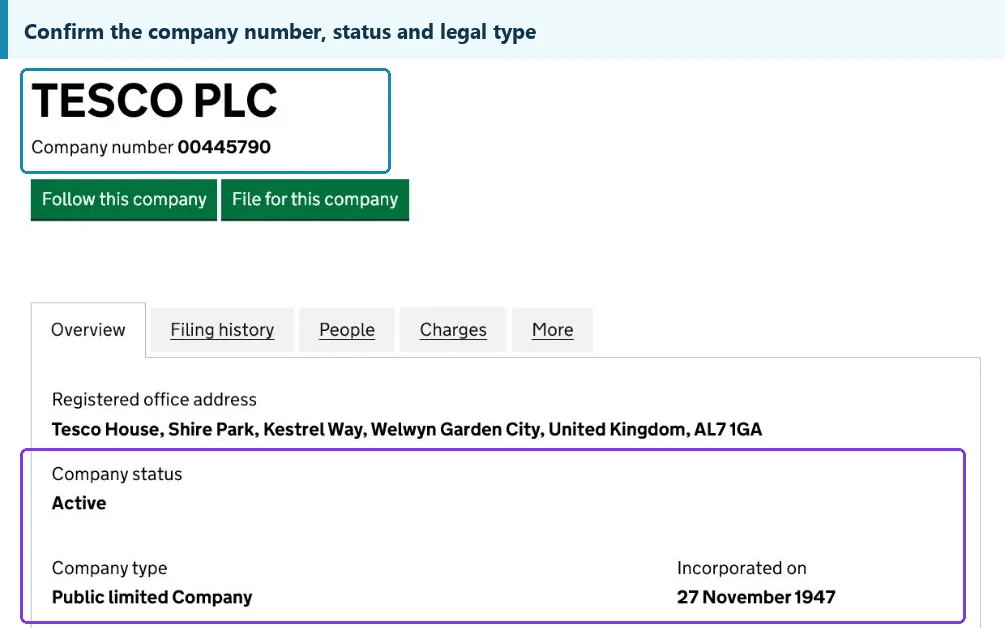
Supplier Verification
Useful when approval is delayed by questions about:
- manufacturer identity;
- supplier information;
- certificates;
- testing documentation.
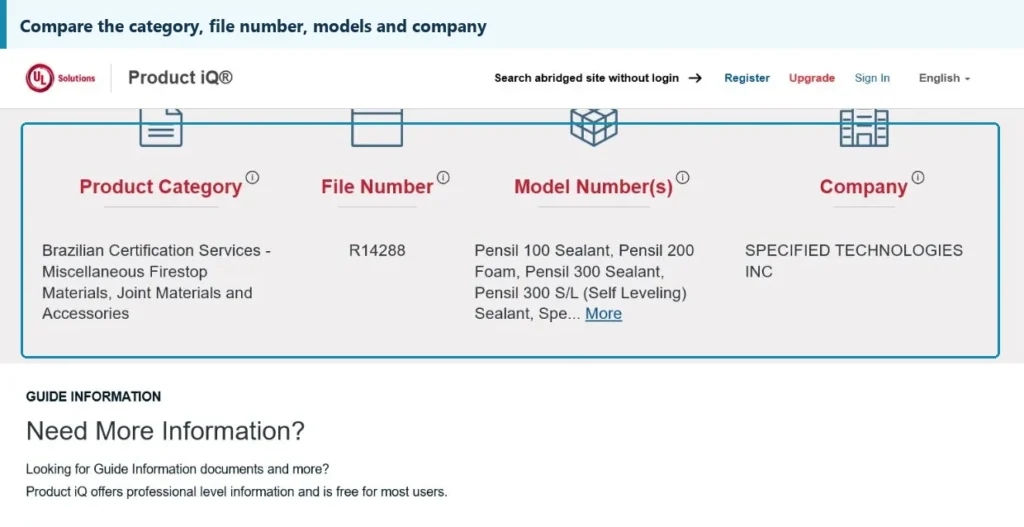
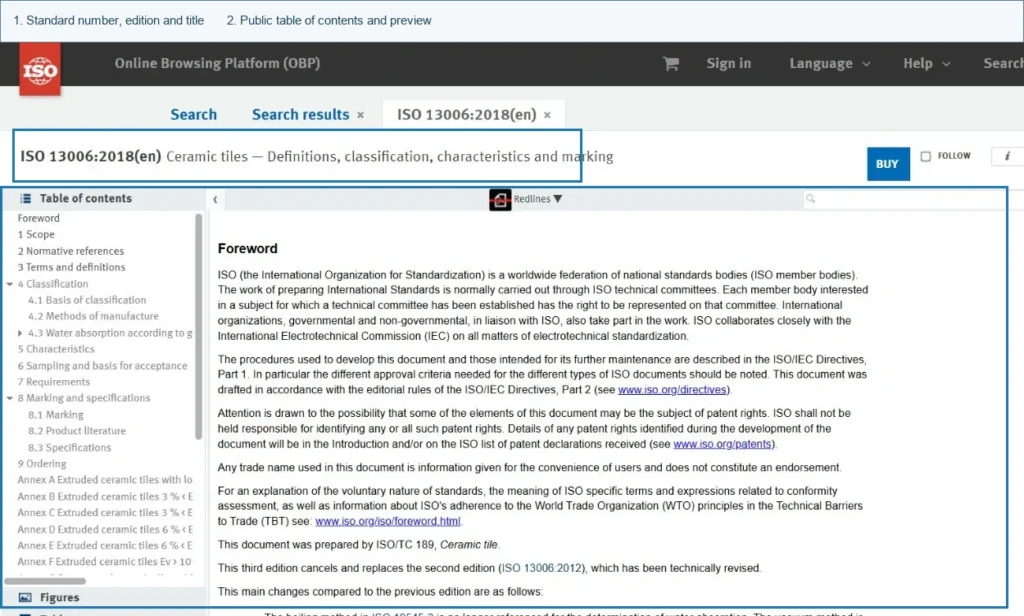
Standards & Codes and Product Certification
Useful when the material remains pending because the team needs to confirm a required standard, certificate, declaration, or other compliance evidence.
The goal is to use the appropriate resource for the current bottleneck rather than repeatedly searching the web from scratch.
Construction Submittal Log Checklist
A procurement-focused submittal log should allow the team to answer these questions quickly:
- What material is being submitted?
- Which supplier and manufacturer are involved?
- Which revision is current?
- When was the material submitted?
- What is the current approval status?
- Who needs to act next?
- When is approval required?
- When must the PO be issued?
- When is the material required on site?
- Has the approved product been connected to the final purchase order?
If the tracker cannot answer these questions, it may be recording documents without actually helping manage procurement risk.
Use the Log as a Procurement Control Tool
Start with the Project Documents & Submittals collection for submittal-log templates, material approval registers, document registers, transmittal resources and tracking tools. Use supporting categories when a supplier, certificate or standard is blocking approval.
FAQ
What should be included in a construction submittal log?
A useful log normally includes the material, supplier, submittal number, revision, submission date, current approval status, reviewer, response date, approval date, and next action. Procurement teams may also add required PO and required-on-site dates to connect approval status with purchasing deadlines.
What is the difference between a submittal log and a submittal register?
Terminology varies between organizations and projects. Both generally refer to a structured record used to track submissions, revisions, review status, and approvals. The specific fields and workflow depend on the project's document-control process.
Who should update the construction submittal log?
The official register may be maintained by document control or another designated project function. Procurement should still monitor the fields that affect supplier action, material approval, required PO dates, and purchasing status.
How often should a submittal log be reviewed?
There is no single review frequency suitable for every project. Critical and long-lead materials should be reviewed often enough that approval delays are identified before they affect the required procurement or delivery dates.
